Advertisement
How tracking tags from Apple, Samsung and others compare, from ease of set-up to crowdsourced search to the security risks
- The Apple AirTag is simple to set up, unlike Samsung’s Galaxy SmartTag and SmartTag+, which, like the Tile Pro and Musegear Finder 2, require installing an app
- It’s easy to imagine these trackers used as tools for stalkers – Apple and Samsung have built in safeguards, but there remains a clear potential for abuse
Reading Time:3 minutes
Why you can trust SCMP

Hi-tech key chains to help you track down your misplaced set of keys have been around for a while now, and so far the market has mostly been dominated by the company Tile.
But in the past few months, two big fish have arrived in this little pond: Apple and Samsung.
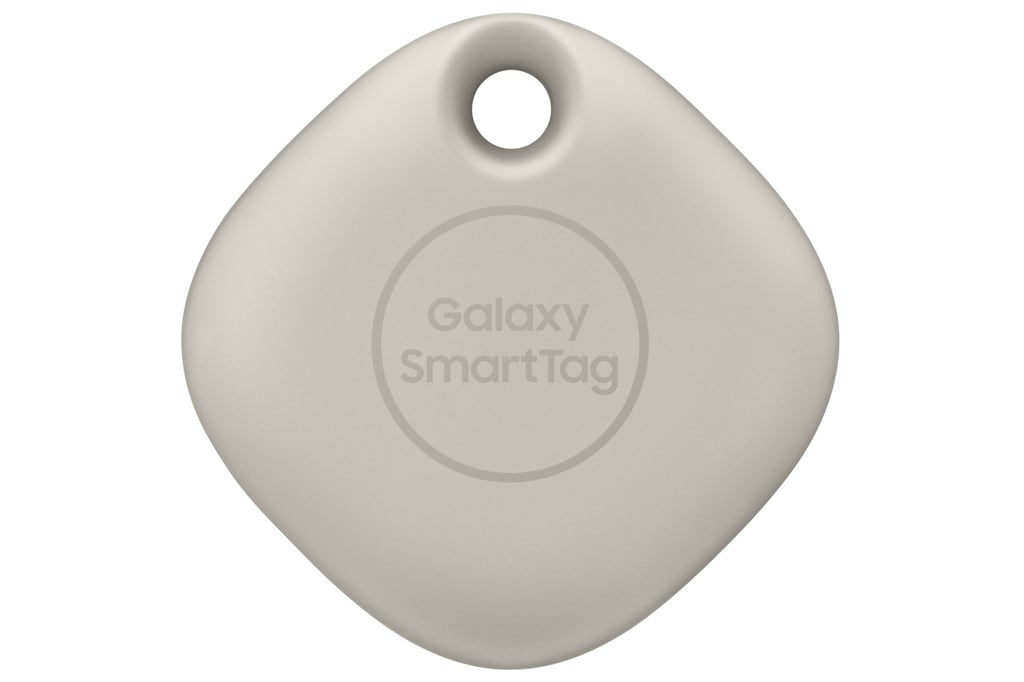
How do the tracking tags Galaxy SmartTag and SmartTag+ from Samsung, Apple AirTag, Tile Pro and Musegear Finder 2 perform in everyday life? We tested various options over several months to see how they compared.
Advertisement
The biggest factor in what kind of tracker you buy is likely to be your phone. That’s because the AirTags from Apple and the two kinds of Samsung SmartTag are only supported within their own ecosystem. That means you need an iPhone or a Samsung Galaxy smartphone for them to work.
Setting up
Apple’s is as simple as can be: unpack it, take off the protective film, hold it next to the iPhone, tap on “Connect” and you’re done. With Samsung, the set-up is rather tedious: two firmware updates had to be carried out on the trackers and you’ll need to install a smartphone app.
Advertisement
Select Voice
Select Speed
1.00x